

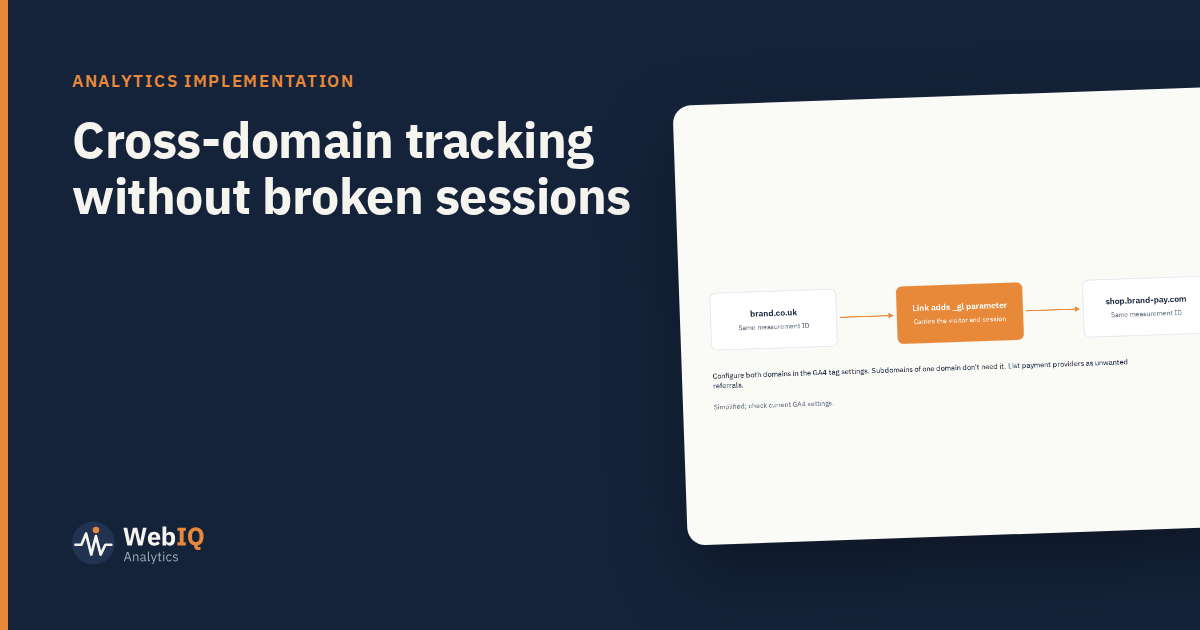
If your journey crosses domains (a marketing site on one domain, a shop or booking system on another), every crossing can start a new session and wipe out the original source. Paid traffic then appears to convert as "referral" from your own site. Cross-domain measurement fixes it.
How it works
When a visitor follows a link from one of your domains to another, the analytics tag adds a parameter to the link (in GA4, _gl). The tag on the destination reads it and continues the same visitor and session.
Setting it up in GA4
- Use the same measurement ID (or a correctly configured tag) on every domain in the journey.
- List all domains in the data stream's tag settings under cross-domain measurement.
- List unwanted referrals: payment providers and identity services that send visitors back to you, so they don't start new sessions.
- Test real journeys: follow links across domains and check the parameter appears and the session continues in debug view.
What you don't need it for
Subdomains of the same domain (for example www.brand.co.uk and shop.brand.co.uk) share cookies by default. Cross-domain set-up is for different domains.
Common problems
- Links built by JavaScript or forms that don't get the parameter. Check form submissions and redirects specifically.
- Redirects that strip parameters. The linker parameter has to survive every redirect.
- Consent differences between domains. If consent is collected on one domain and not respected on the other, behaviour and data will differ. Align consent across the journey.
- Different tag configurations on each domain, with different event names.
How to check it's working
- Self-referrals from your own domains should be close to zero.
- Key events on the second domain should carry the original source, not your first domain.
- Session counts shouldn't jump at the crossing point.
It's a small piece of configuration with a large effect on whether channel reporting can be trusted.