

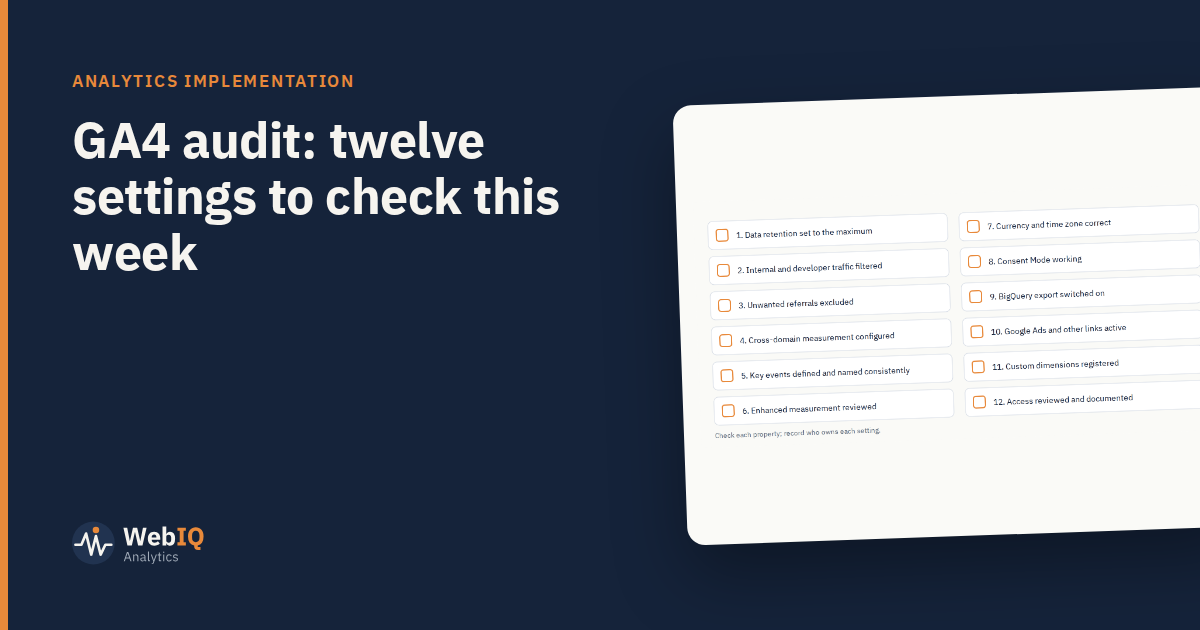
Many GA4 properties were set up quickly during the migration from Universal Analytics and never revisited. These twelve checks find the most common problems.
- Data retention. The default for event-level data in explorations is two months; most teams want the longest period available.
- Internal traffic. Define your office and developer traffic and activate the filter, or test sessions inflate everything.
- Unwanted referrals. Payment providers and login domains appearing as referrers break sessions and steal credit.
- Cross-domain measurement. If users move between your domains, configure it, or every crossing starts a new session.
- Key events. The actions that matter are marked as key events, named consistently, and not duplicated.
- Enhanced measurement. Review what's switched on. Automatic events like form interactions can create noise or duplicates.
- Currency and time zone. They should match finance reporting; mismatches make reconciliation painful.
- Consent Mode. Check consent signals actually reach GA4 and change tag behaviour, in both accepted and declined states.
- BigQuery export. Switch it on. The raw data is invaluable for analysis and modelling, and history only starts from the day you enable it.
- Product links. Google Ads and other links are active and owned by someone current.
- Custom dimensions. Parameters you send are registered, or they're invisible in reports.
- Access. Review who has access and at what level; remove leavers and document owners.
How to run the audit
Work through the list in the admin settings, then test in debug view with a few real journeys: a purchase, a form, a cross-domain step. Record what you found and who owns each fix.
What usually comes next
The audit often reveals a deeper issue: events defined differently by different teams. The lasting fix is an event specification, a single document listing every event, parameter and owner, used to build and test tags. It makes future audits short.